WhatsApp: +92 315 8852311

English|اردو

JahaSoft logoJahaSoftSoftware built in Quetta
Last updated:
SECP Registered CUIN 0144811 UK Companies House 14653641 State of Texas File #0805404554 UNGM Supplier 997275
ANDROID UTILITY APP

eBarcode Barcode & QR Scanner

eBarcode scans barcodes and QR codes with your Android camera — product codes, links, payment codes and anything else. Free, quick, with a history of what you've scanned.

All Formats

1D & 2D QR codes

Scan History

Revisit past scans

Instant Autofocus

Sub-second recognition

100% Free

Zero hidden charges

RETAIL OPERATIONS WORKFLOW

Useful alongside our retail systems

If you run one of our POS systems, eBarcode is a handy way to check a product code away from the counter during stock-taking, or when goods arrive.

Warehouse Stock-Taking

Walk along your warehouse aisles with an Android phone to verify barcodes without needing a cumbersome fixed PC terminal.

Inward Goods Receiving

Verify newly arrived vendor cartons and master cartons at the loading bay before items are logged into JSERP or Mobile POS.

Local Scan Archive

Every scanned item is stored on your device with timestamp, barcode number, and code symbology for later reference and batch verification.

COMPLETE FORMAT COMPATIBILITY

Fast, Accurate Code Recognition

Designed to decode standard retail, logistics, and web codes without hesitation or camera delay.

QR Codes & URLs

Website links, Wi-Fi network credentials, contact cards (vCard), and text notes.

EAN & UPC Products

EAN-13, EAN-8, UPC-A, and UPC-E codes found on consumer retail items and grocery goods.

Payment & Raast QRs

Raast P2P & merchant QR codes, EMVCo QR standards, and invoice reference payloads.

Industrial Barcodes

Code 128, Code 39, ITF, and PDF417 used on courier parcels, shipping labels, and bilty slips.

BUILT FOR SPEED & PRIVACY

Practical Utilities Included

Everything you need for swift barcode reading without adware, bloat, or subscription nags.

Flashlight Toggle

One-touch torch illumination for dim stockrooms, shadowed warehouse racks, and evening scanning.

Zero Internet Needed

All decoding happens on-device inside Android camera memory. No data is uploaded or logged externally.

Copy & Share Action

Copy raw barcode numbers to clipboard with a single tap or share links directly into WhatsApp or browser.

GOOGLE PLAY STORE

Get eBarcode Free on Android

Install the lightweight app on your phone or your staff's handheld devices for quick daily scanning.

Download Free  ↗
Inside the product

See eBarcode in action

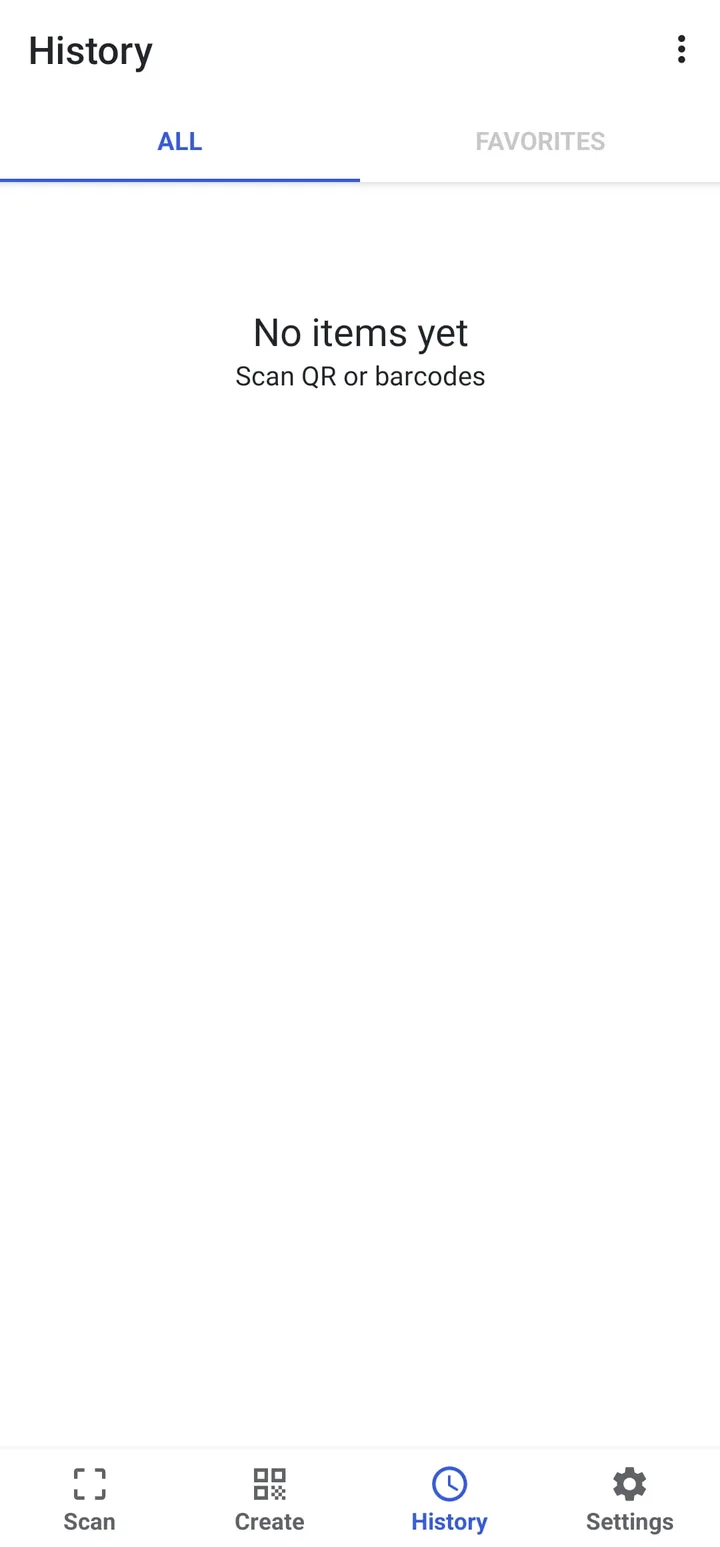
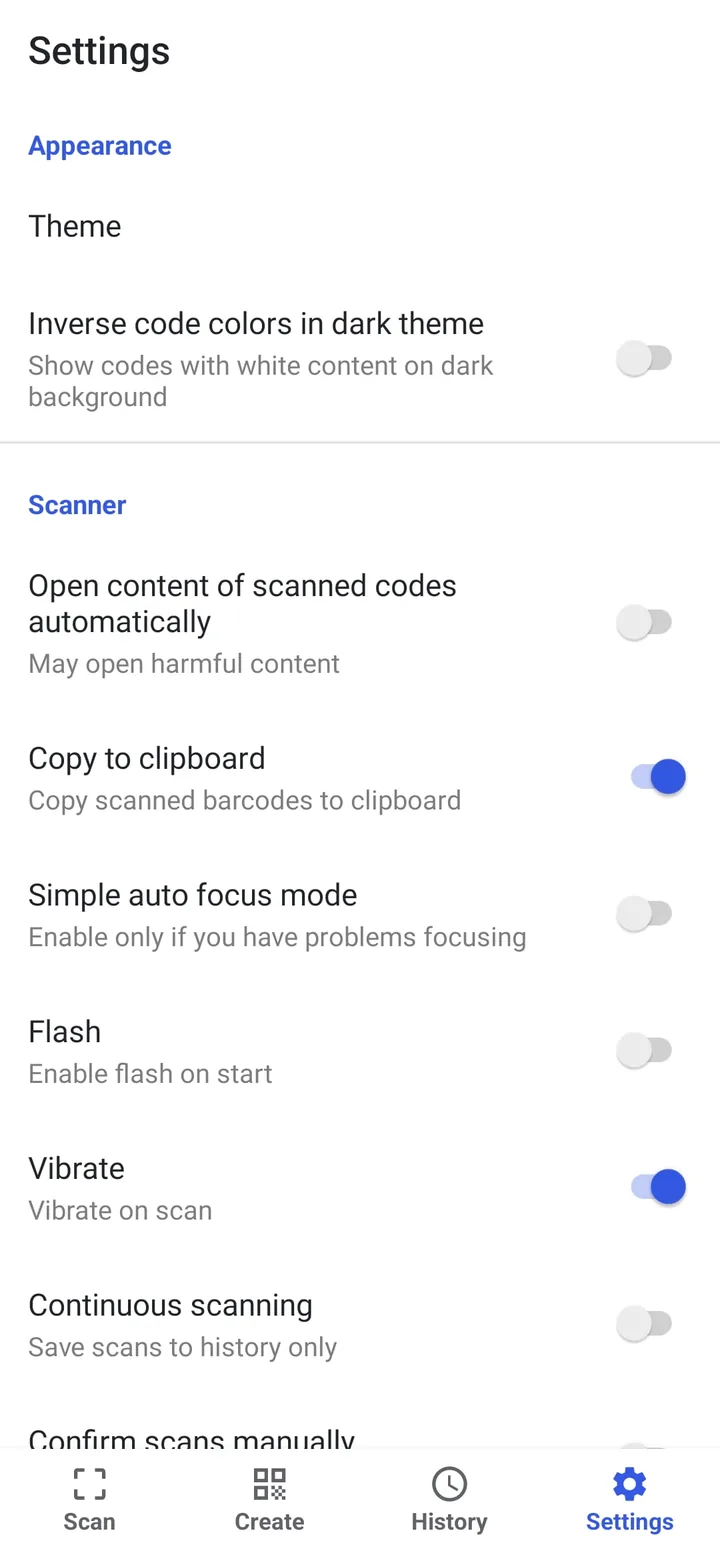
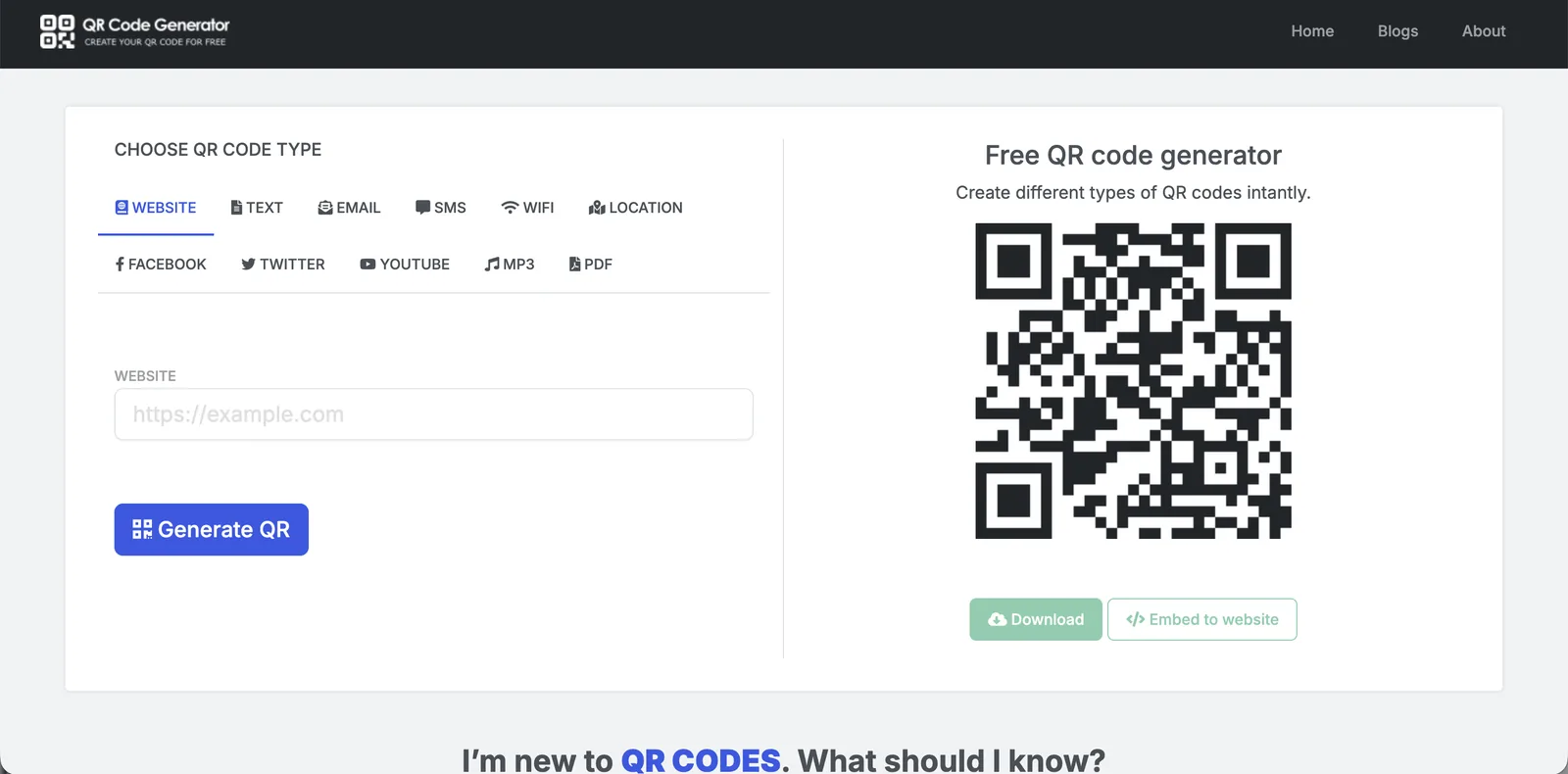
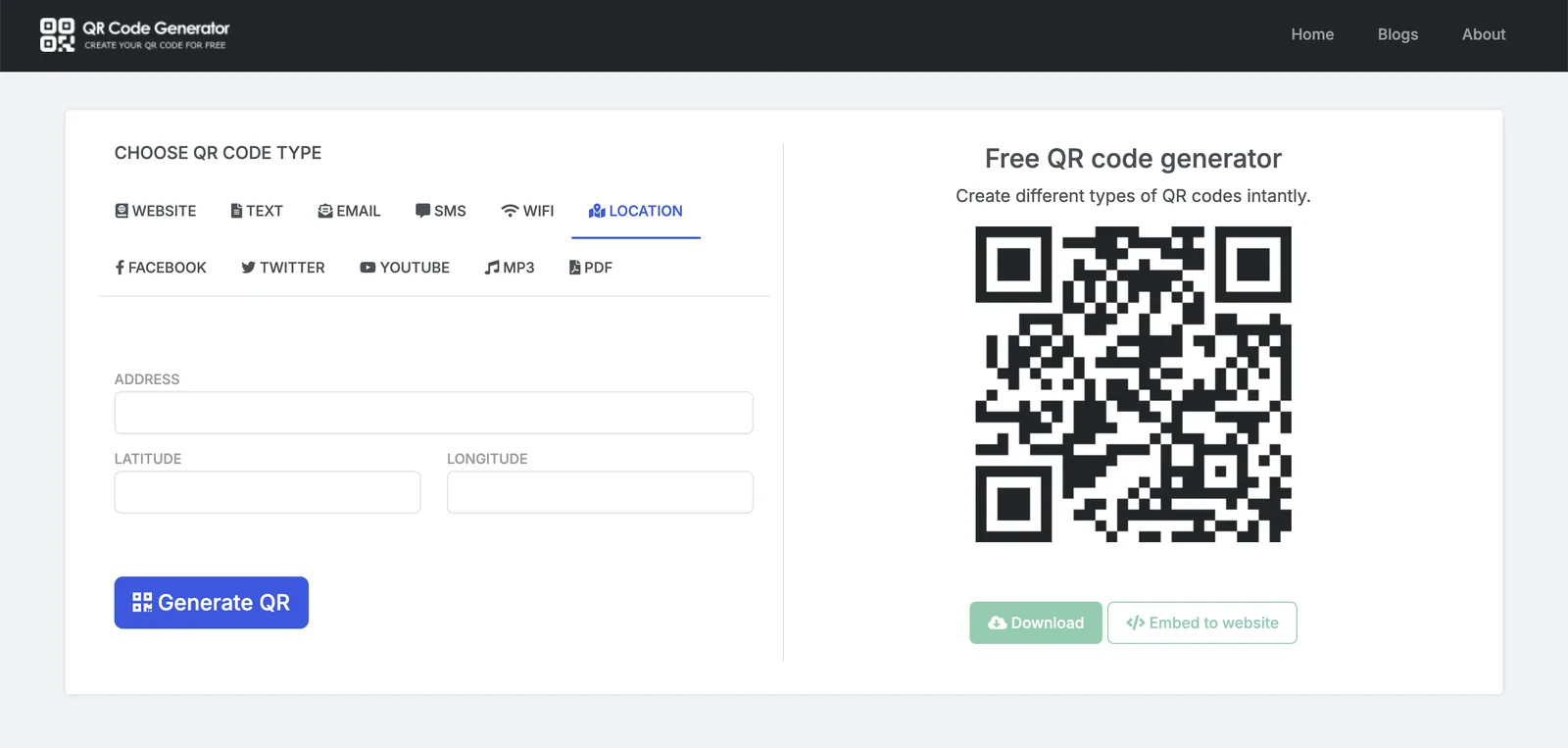
Screens from the app and the website. Click any screen to see it full size.
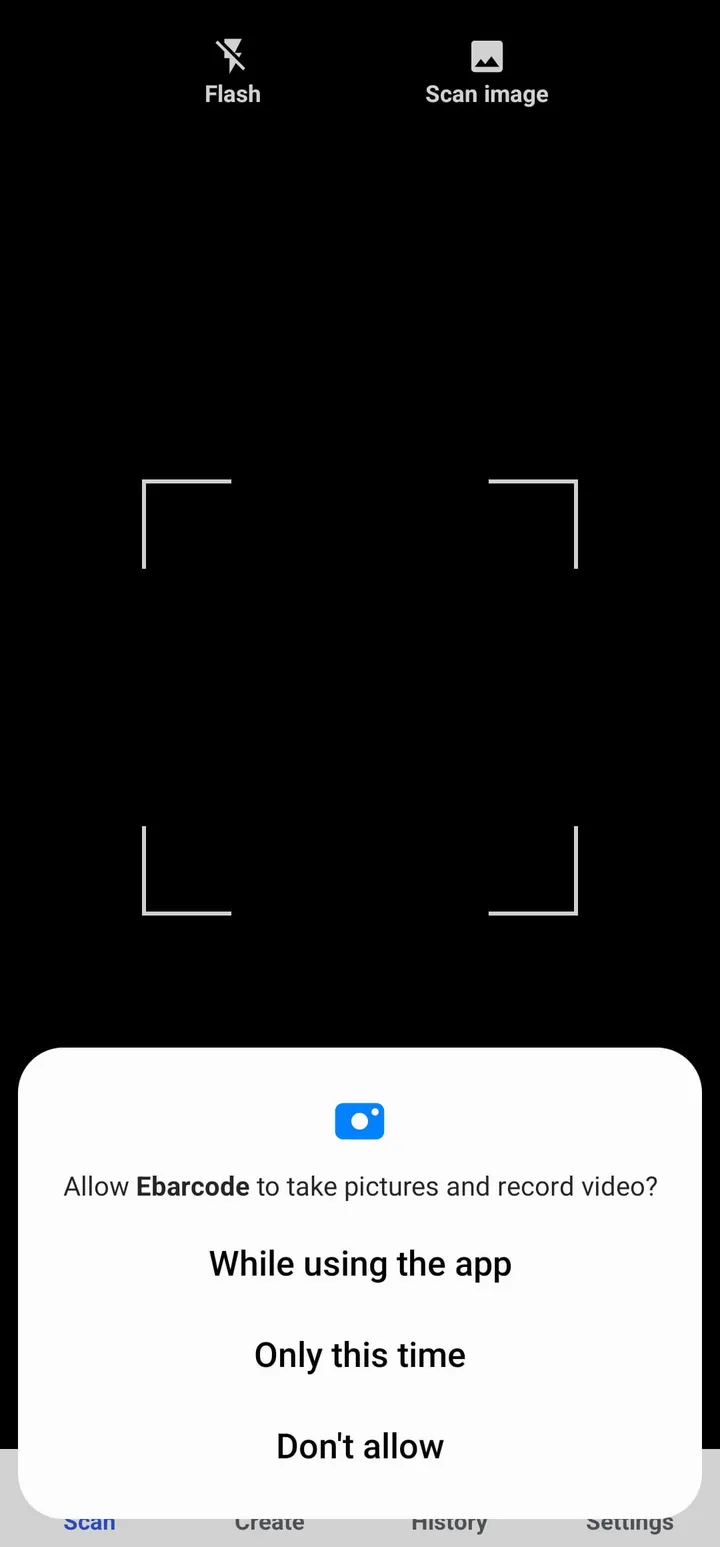
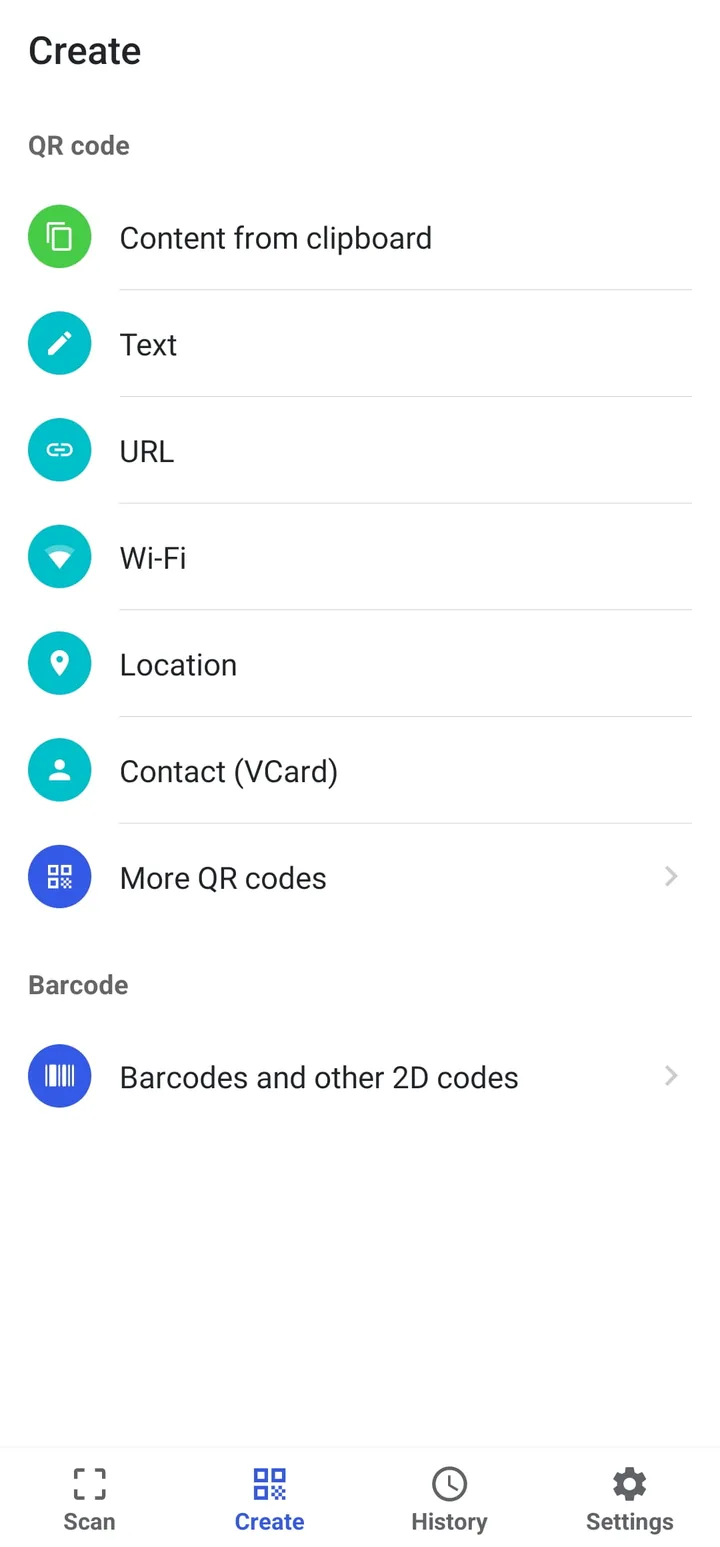
The Android app

Scanner: scan a QR code or barcode with the camera, or from an image
Create QR codes for text, links, Wi-Fi, location and contacts, plus barcodes
History of everything you scan, with favourites
Settings: theme, auto-open, copy to clipboard, vibration and continuous scanning

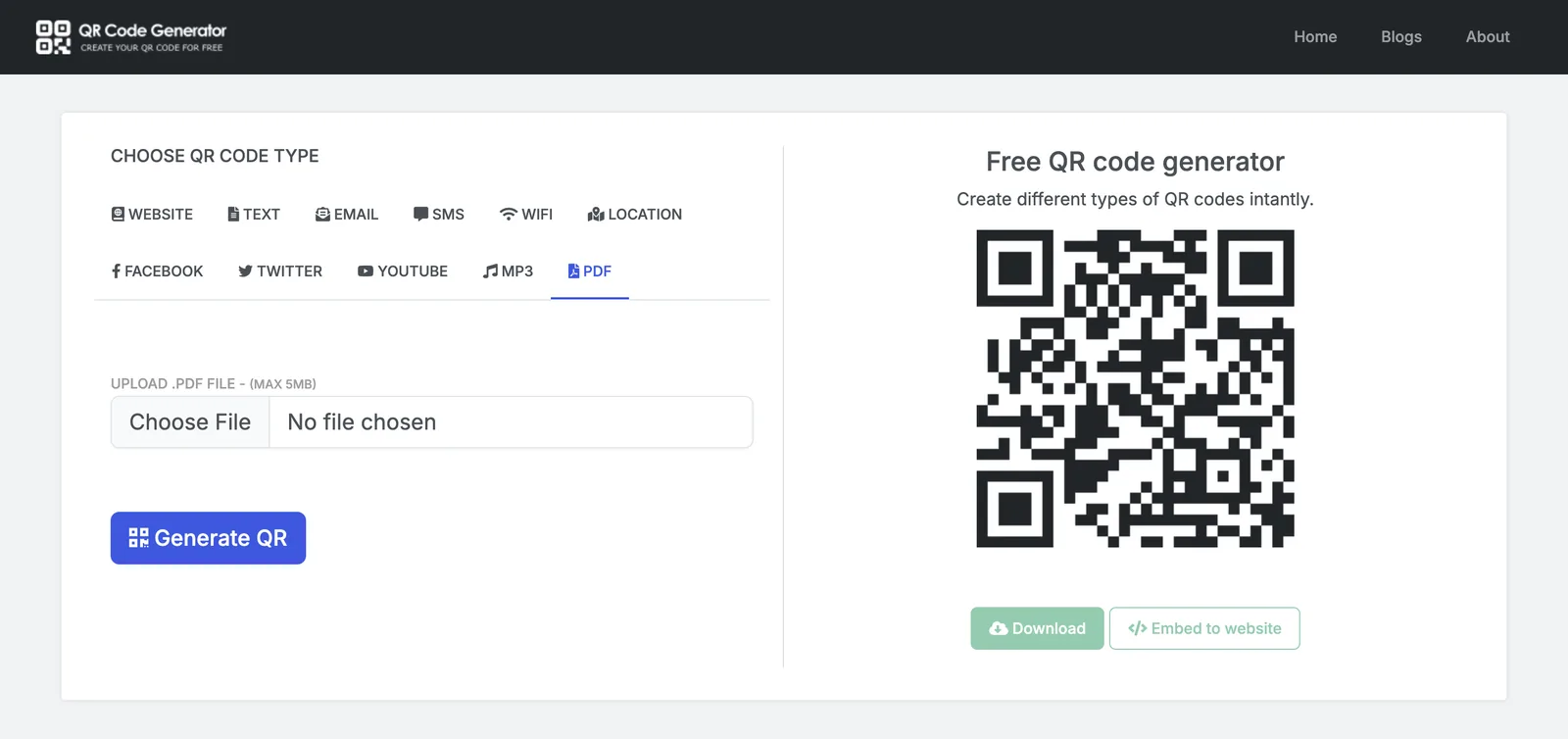
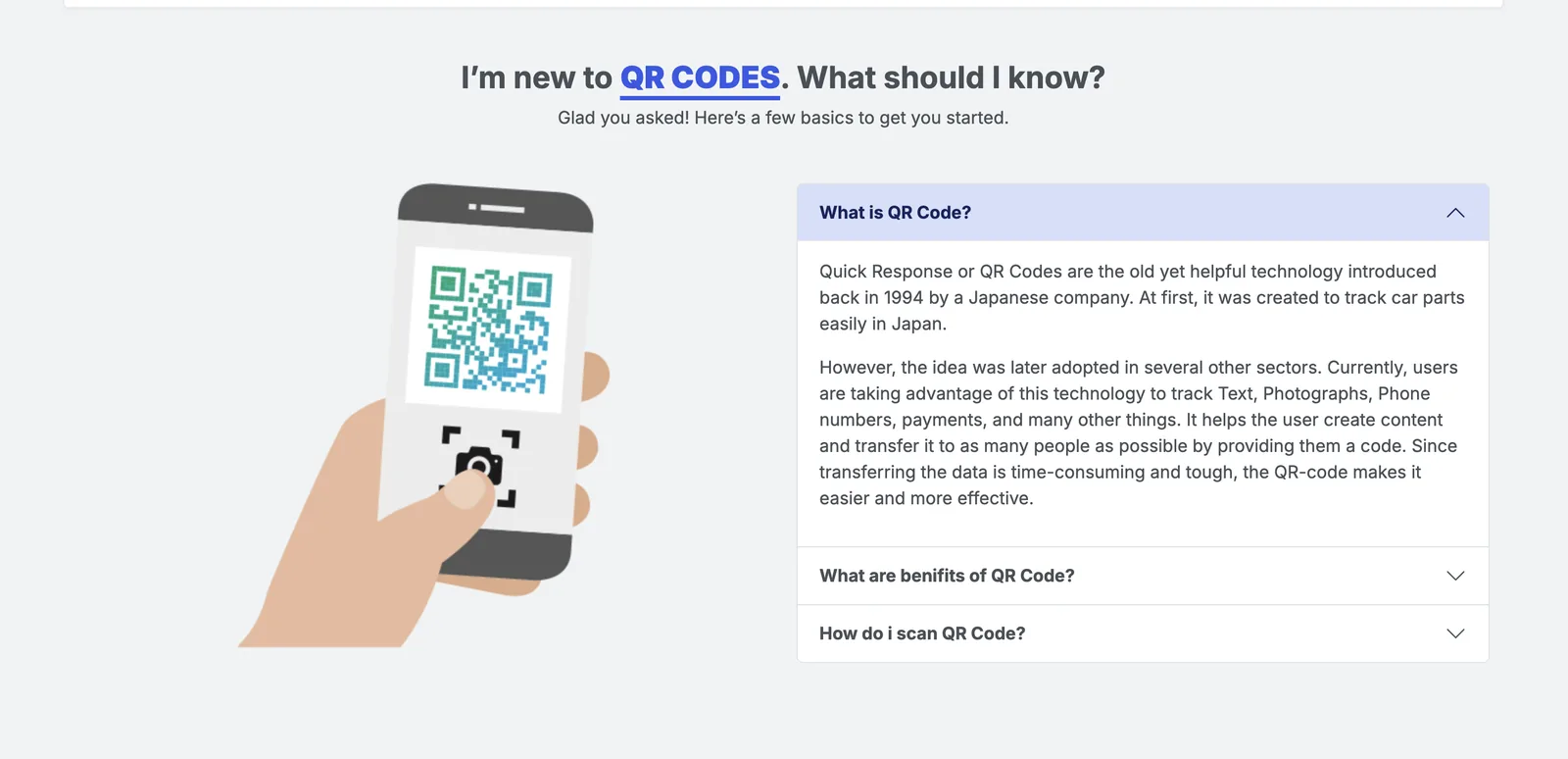
The website QR code generator

Create a QR code for a website link, then download it or embed it on your site
Location QR codes from an address or from latitude and longitude
Upload a PDF and turn it into a QR code
A built-in guide for people new to QR codes
eBarcode Questions

Frequently Asked Questions

Common questions about formats, scan history, and integration with JahaSoft POS.

Is eBarcode free to use?

Yes, eBarcode is completely free on Android with no subscription fees or locked features.

Does it work offline without an internet connection?

Yes. Barcode and QR decoding happens directly in your device's camera memory. You can scan anywhere without Wi-Fi or cellular data.

How does it assist with JahaSoft POS stock-taking?

You can use eBarcode away from the main counter to verify item labels, check shelf quantities, and audit received shipments before confirming records in JSERP or Mobile POS.

Can I access previously scanned codes?

Yes. The built-in scan history logs all previous scans with dates and times so you can easily review, copy, or share them at any point.

RETAIL & BARCODE SOLUTIONS

Equip Your Store with Fast Code Scanning

Download eBarcode for quick on-the-go scanning, or speak with our retail software engineers for integrated inventory automation.

Free on Android 100% Offline Processing Compatible with JahaSoft POS